Automated Ad Reporting for Marketing Agencies: How It Works and How to Build It
How to automate client ad reporting for a marketing agency: data pulls, AI summaries, approval and sending, built on n8n. A builder's guide.
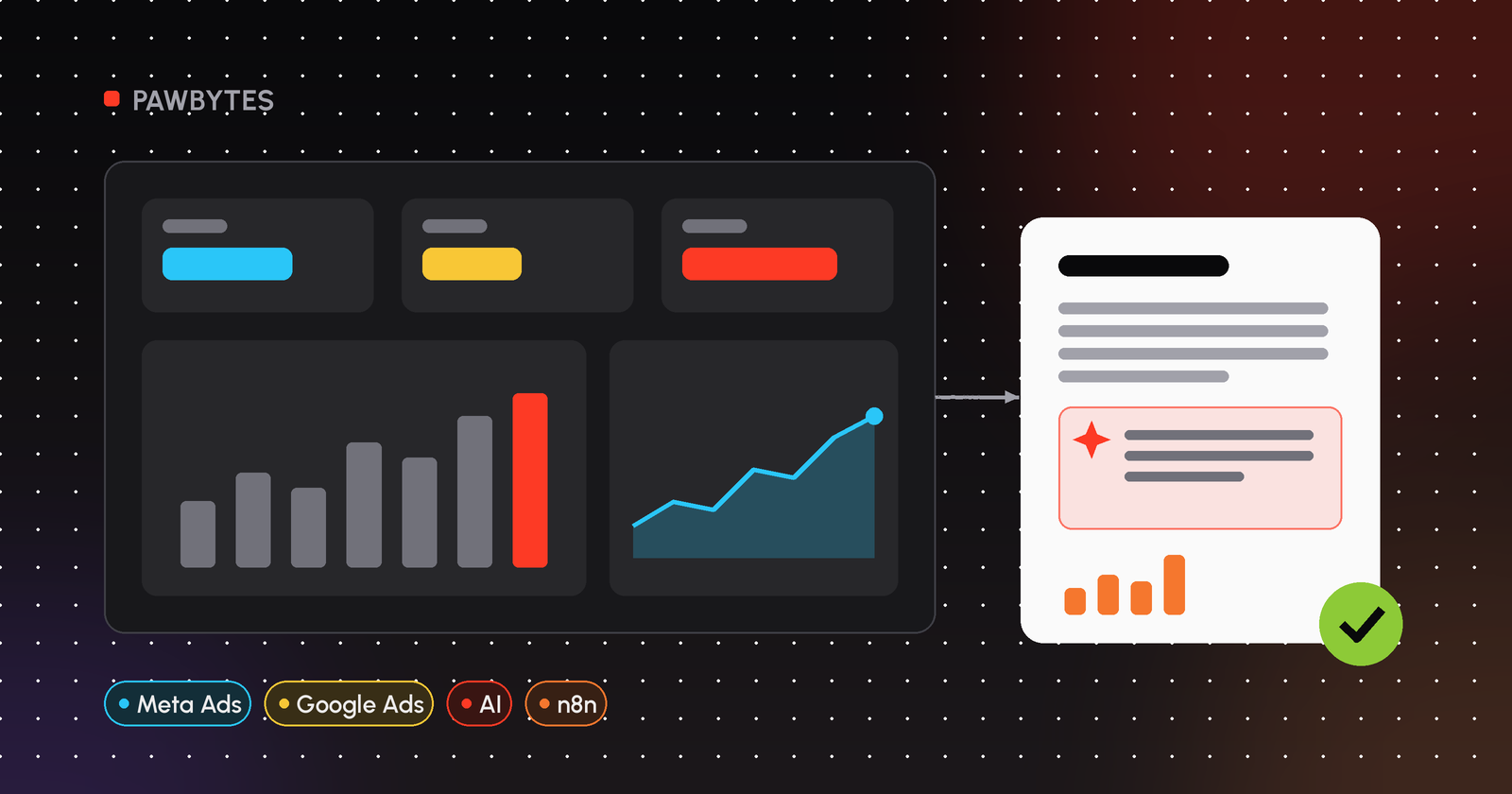
To automate client reporting for a marketing agency, connect each client's ad accounts to a workflow tool such as n8n, pull Google Ads and Meta Ads data on a schedule, calculate the metrics each client cares about, let AI draft the summary, and keep a manager approval step before the report goes out by email or Slack.
This page is the hub for our series on automated ad reporting. It explains the moving parts, the decisions you'll have to make, and where a human should stay in the loop. Each section links to a deeper guide. The examples use n8n, but most of the thinking applies whatever tools you use.
What is reporting automation for an agency?
Reporting automation means the repetitive parts of a client report run without someone doing them by hand: logging into ad accounts, exporting numbers, pasting them into a template, calculating cost per result, and emailing the file. The parts that need judgment, such as explaining why a campaign dipped or what to change next month, stay with your team. AI can help draft them.
A typical automated report has four layers:
- Data: ad platform APIs (Google Ads API, Meta Marketing API) plus anything else the client tracks, like a CRM or a Google Sheet of leads.
- Logic: per-client rules. Which campaigns count, which conversion action is "a result", what the KPI targets are.
- Narrative: a short written summary, drafted by AI from the numbers and the client's rules, then checked by a person.
- Delivery: email, Slack, a shared dashboard, or a PDF, on a fixed schedule.
Why does manual client reporting stop scaling?
Manual reporting grows linearly. Every new client adds another round of exports, another template to fill and another email to write. That work also lands at the same time for everyone, at the start of the week or month. Copy-paste errors creep in when people rush.
There's also a quality problem. When reporting eats the time, the summary becomes "spend was X, leads were Y" and nobody has time to say what it means. Automating the mechanical part is mostly about getting that time back for analysis.
How does an automated ad reporting workflow work, step by step?
This is the shape I use for most agency reporting builds. The tools change; the steps don't.
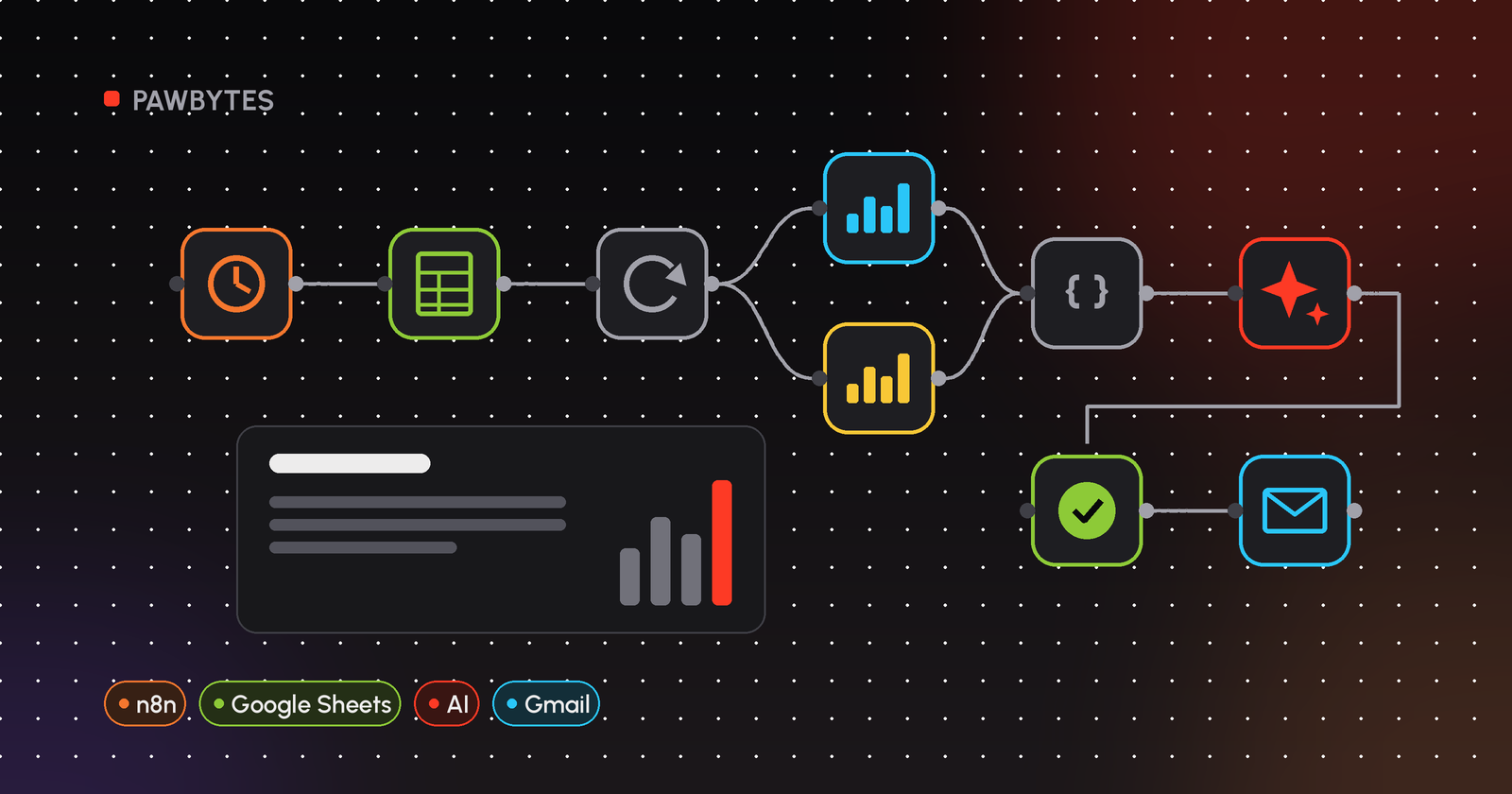
- Keep a client register. One row per client in Google Sheets or a database: ad account IDs, reporting period, which conversion counts as a result, KPI targets, language, recipients.
- Trigger on a schedule. In n8n, a Schedule Trigger node runs the workflow weekly or monthly.
- Loop over clients. Read the register, then process clients one at a time, or in small batches, so you stay within API rate limits.
- Pull the data. Meta Ads through the Facebook Graph API node (the
insightsedge of the ad account); Google Ads through an HTTP Request node calling the Google Ads API. - Clean and calculate. A Code node turns raw API responses into the numbers the client sees: spend, results, cost per result, CTR, and a comparison against target.
- Draft the summary. Send the calculated numbers and the client's rules to an LLM. For example, n8n's Basic LLM Chain node or an AI app called over its API. The model is told to use only the numbers it was given.
- Approve. A manager receives the draft and approves or rejects it. n8n's Gmail and Slack nodes both have send-and-wait operations for this.
- Deliver and log. Send the approved report to the client and write a row to a log sheet, so you can see what went out and when.
The full build, node by node, is in how to automate agency client reporting with n8n.
What should an automated client report include?
Keep it short enough that a client actually reads it:
- Headline numbers for the period: spend, results (leads, purchases, or whatever the client counts), and cost per result.
- Comparison with the previous period and with the client's target.
- Campaign breakdown: a small table, not every ad set.
- Two or three sentences of explanation: what moved and why, if you know.
- Next step: what you plan to change, or a question for the client.
If you want a starting layout, see our Meta Ads report template for agencies.
Which platforms can you automate reporting for?
Meta Ads (Facebook and Instagram)
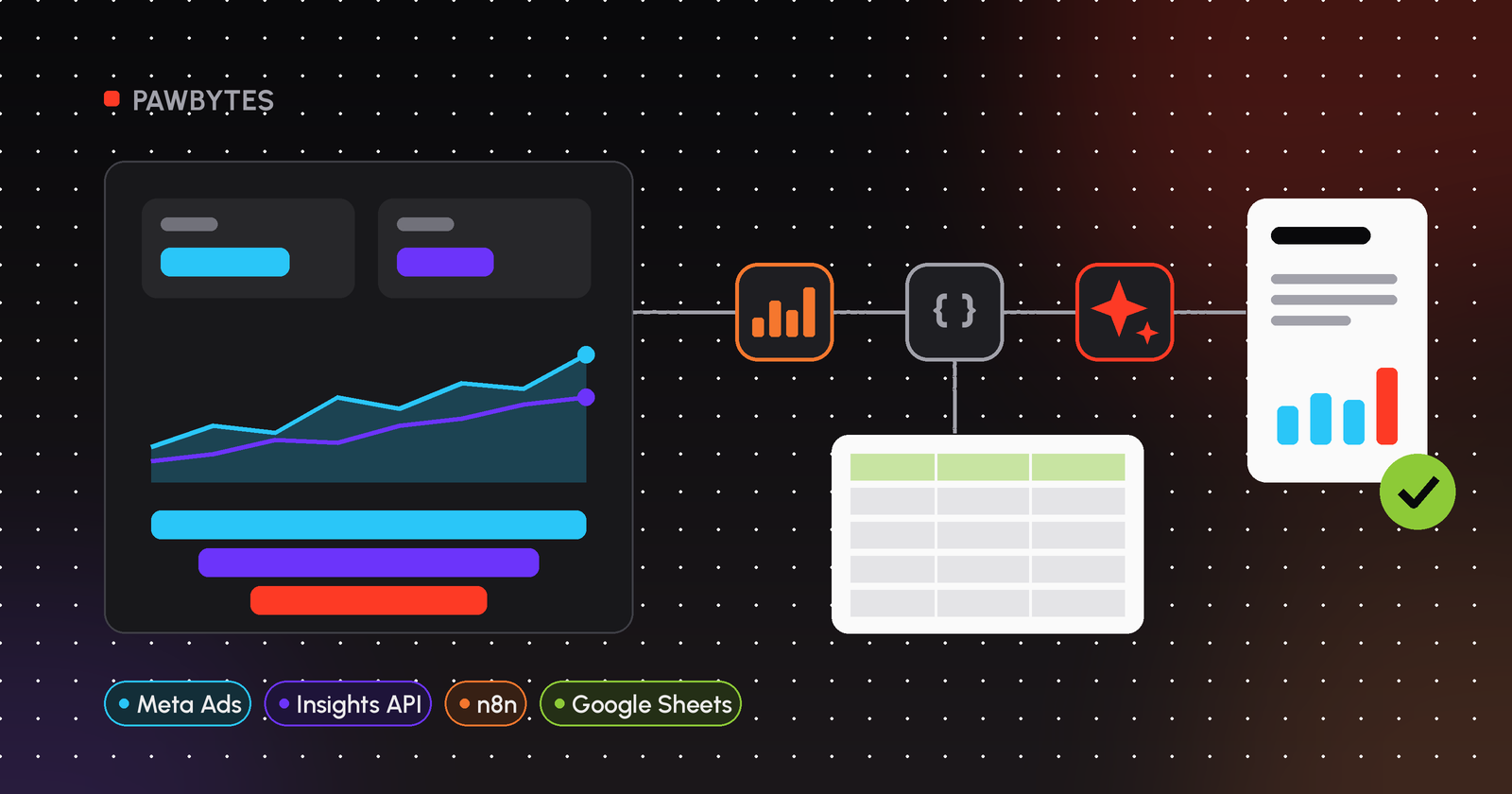
Meta exposes performance data through the Marketing API Insights endpoint. You can request fields like spend, impressions, clicks, ctr and actions at account, campaign, ad set or ad level. In n8n you can call it with the Facebook Graph API node. Our guide to automating Meta Ads reporting with n8n walks through the setup.
Google Ads
n8n's built-in Google Ads node covers campaign lookups. For reporting queries you'll usually call the Google Ads API directly with GAQL from an HTTP Request node, using your Google Ads credential. Details are in Google Ads report automation with n8n.
Dashboards (Looker Studio)
Some clients prefer a live dashboard to a monthly email. A common pattern is to have n8n write clean, daily rows to Google Sheets and point Looker Studio at that sheet. See a Looker Studio Meta Ads dashboard fed by n8n.
Should AI write the report summary?
AI is good at turning a table of numbers into a readable paragraph, in the client's language, in a consistent tone. It is not good at knowing why a campaign changed unless you tell it. It will sometimes state things that aren't in the data.
So my rules are simple:
- Give the model only calculated numbers and the client's own rules. Don't hand it raw API dumps.
- Tell it not to invent figures or causes.
- Never send an AI draft to a client without a person reading it first.
Reporting tool or custom n8n workflow?
There are good off-the-shelf client reporting tools. They're the faster choice when your needs match their connectors and templates. A custom n8n workflow makes more sense when:
- You need per-client logic (different conversion definitions, targets or languages).
- You want AI summaries under your own prompts and approval rules.
- You already use n8n for other operations and want reporting in the same place.
- You want the data and workflows on infrastructure you control.
Off-the-shelf reporting tool | Custom n8n workflow | |
|---|---|---|
Setup time | Short, if connectors fit | Longer, you build it |
Per-client logic | Limited to tool settings | Anything you can code |
AI summaries | Depends on the tool | Your prompts, your model |
Approval step | Depends on the tool | Built in (send-and-wait, Wait node) |
Maintenance | Vendor handles it | You or your builder handle it |
We compare the two in more depth in client reporting tools vs a custom n8n setup. For setup, hosting and maintenance considerations, see n8n automation cost for agencies.
Guides in this series
- How to automate agency client reporting with n8n: the full workflow, node by node.
- How to automate Meta Ads reporting with n8n: pulling Insights data and building a client-ready summary.
- AI ad reporting dashboard demo: a demo walkthrough of an AI reporting dashboard.
- n8n automation cost for agencies: what goes into building and running it.
- Meta Ads report template for agencies: a layout you can copy.
- Looker Studio Meta Ads dashboard with n8n: live dashboards fed by n8n.
- Google Ads report automation with n8n: GAQL queries from n8n.
- Client reporting tools vs custom n8n: when to buy and when to build.
- Free AI audit walkthrough (demo): what our free audit call looks like.
If you'd rather have someone build it, see our automation services for marketing agencies.
FAQ
What is reporting automation?
Reporting automation means software pulls the data, calculates the metrics, fills the report and sends it on a schedule, so people only handle the review and the analysis.
What is client reporting?
Client reporting is the regular update an agency sends each client on campaign results: what was spent, what it produced, how that compares with the target, and what happens next.
How do I automate client reporting for a marketing agency?
Keep a register of clients and ad accounts, trigger a workflow on a schedule, pull data from the ad platform APIs, calculate each client's metrics, draft a summary with AI, have a manager approve it, then send and log it.
Can AI generate marketing reports?
Yes. An AI marketing report generator can turn calculated numbers into a readable summary in the client's language. Give it only verified numbers and per-client rules, and have a person review every draft before it is sent.
Can n8n automate Meta Ads and Google Ads reports?
Yes. Meta Ads data can be pulled with n8n's Facebook Graph API node from the ad account's insights edge. Google Ads reporting data is usually pulled with the HTTP Request node calling the Google Ads API.
Do I need a reporting dashboard or are emailed reports enough?
It depends on the client. Many are happy with a short emailed summary. Others want a live dashboard. n8n can feed both, for example by writing daily rows to Google Sheets for Looker Studio.
Not sure where to start?
Book a free AI audit. We'll look at how your team handles client reporting today, which parts could run on their own, and where a person should stay in the loop.