How to Automate Meta Ads Reporting for Agency Clients with n8n
Automate Meta Ads client reports with n8n: pull Insights API data, count each client's results, draft an AI summary, approve, then send.
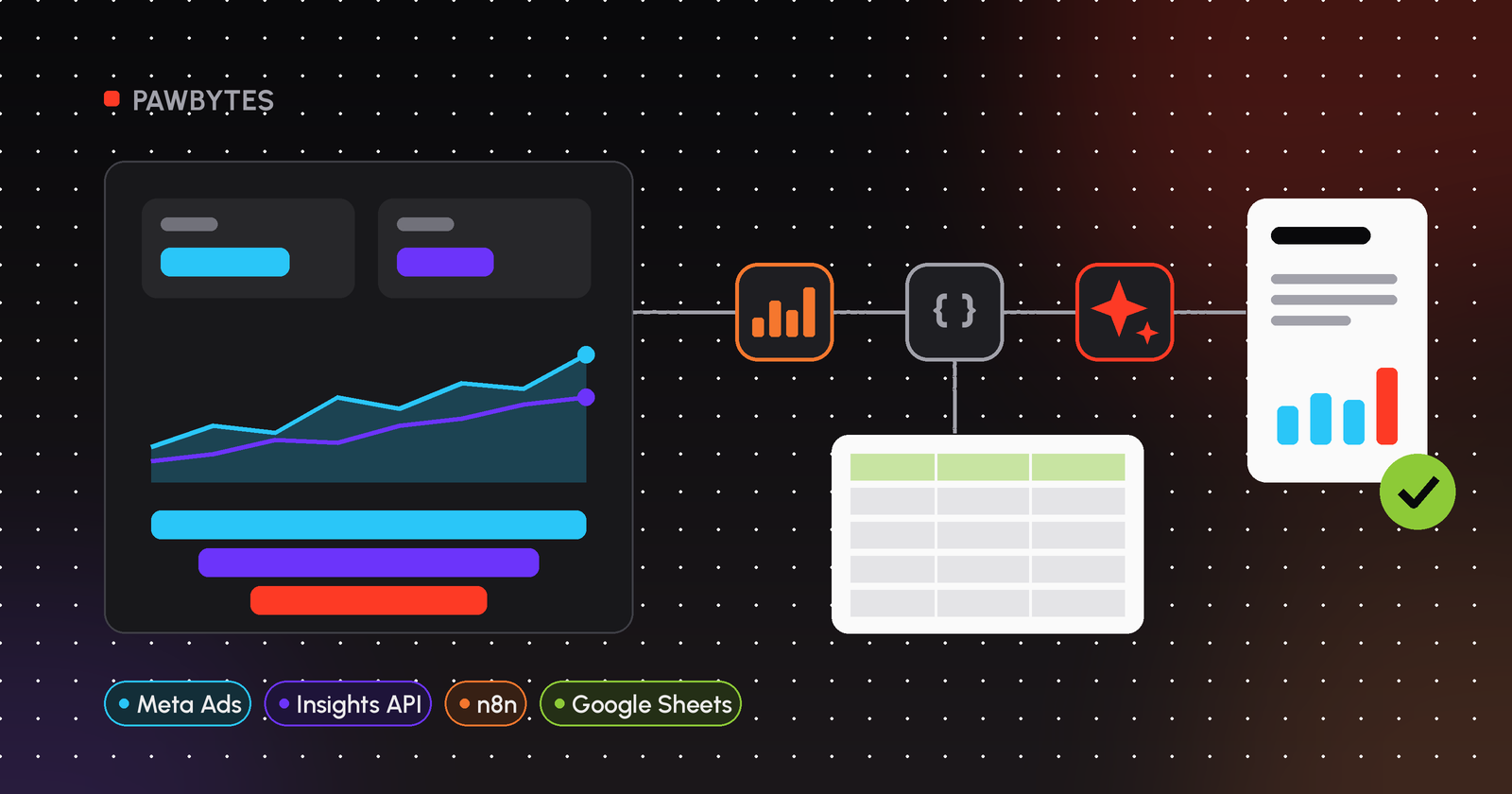
To automate Meta Ads reporting, have n8n pull data from Meta's Insights API on a schedule using the Facebook Graph API node. Count results and cost per result using each client's own conversion definition, let AI draft a short summary, and send it by email or Slack once a manager has approved it.
This guide is part of our series on automated ad reporting for marketing agencies. It covers Meta Ads (Facebook and Instagram) only: what data you can get, how to set it up in n8n, and the problems that usually show up a few weeks after the workflow goes live.
Why automate Meta Ads reporting?
If you manage a lot of ad accounts, you know the routine. Open Ads Manager, switch account, set the date range, export, tidy the columns, work out cost per lead, paste into the template, write the summary, send. Then do it again for the next client.
None of it is hard, but it's slow and easy to get wrong. With automation, the data comes straight from the API under the same rules every time. Your team reads it and adds context.
What data can you pull from Meta Ads?
Performance data comes from the Insights endpoint of the Marketing API, for example /act_<AD_ACCOUNT_ID>/insights. The parameters I use most:
Parameter | What it does | Example |
|---|---|---|
| Which metrics to return |
|
| Level of detail |
|
| Ready-made date range |
|
| Custom date range |
|
| Split the range |
|
A few things to know:
- If you set
time_range,date_presetis ignored. - Numbers come back as strings (for example
"spend": "123.45"), so convert them before doing maths. - Results such as leads, purchases or messages don't have their own columns. They sit inside the `actions` list, each with an
action_typeand avalue. Whichaction_typematters depends on the client's pixel, events and campaign objective, so check the raw response for each account. - Responses can be paginated. Look for
pagingin the response.
How do you automate Meta Ads reporting in n8n, step by step?
Step 1: Set up Meta access
Create a Meta app and an access token with the ads_read permission for your clients' ad accounts. For an agency, a system user token from Business Manager is the practical choice because it isn't tied to one team member's personal account. Save it as a Facebook Graph API credential in n8n.
Step 2: Build the client register
In Google Sheets, add one row per client: name, ad account ID (without act_), the action_type that counts as a result, target cost per result, report language and recipient email. The workflow reads it with a Google Sheets node (Get Row(s)).
Step 3: Schedule it
Add a weekly or monthly Schedule Trigger. Don't run it at midnight on the first of the month. Give it a day or two, so conversions that are recorded late are included.
Step 4: Pull Insights data
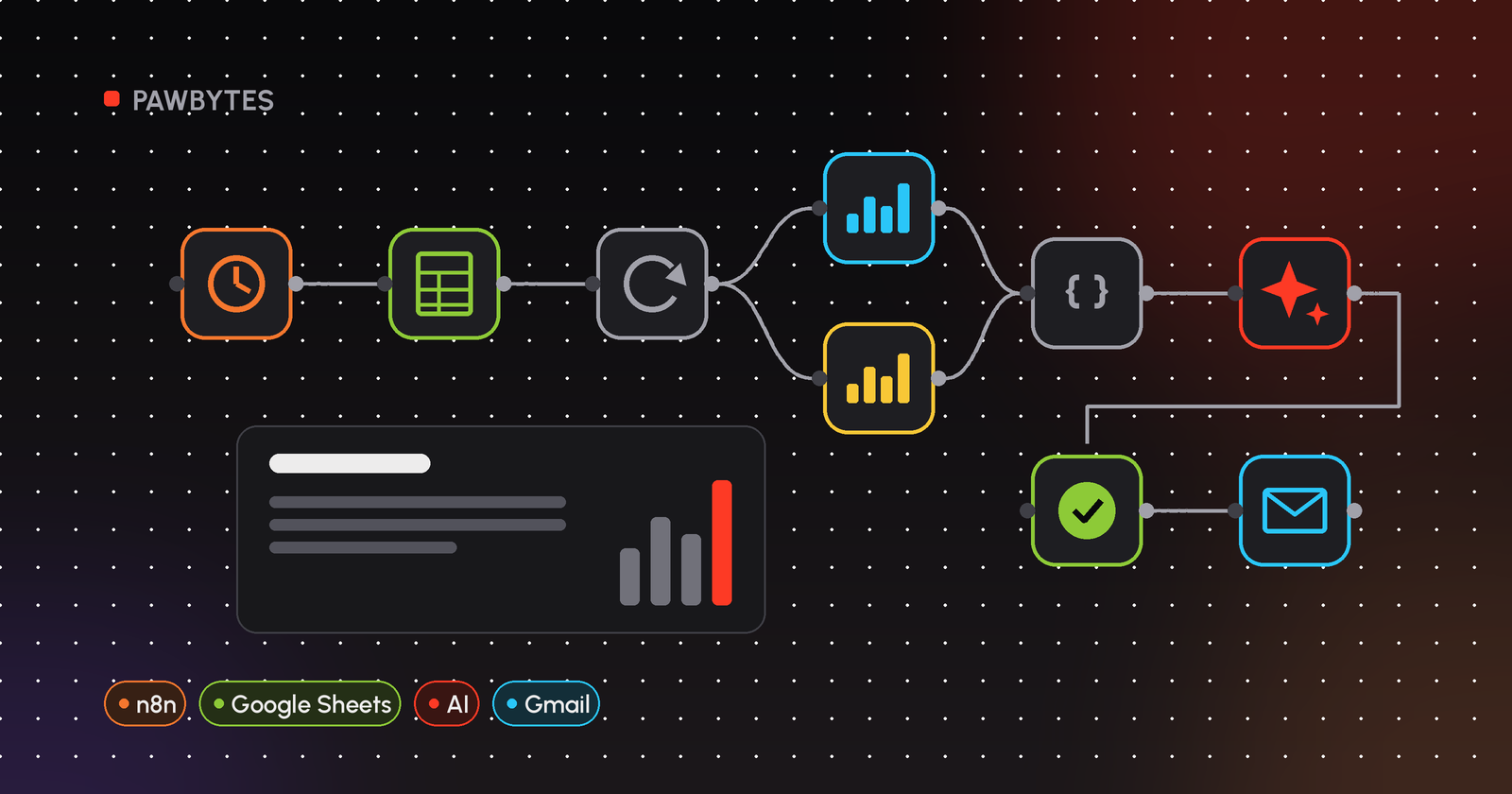
After Loop Over Items, add a Facebook Graph API node:
- HTTP Request Method: GET
- Graph API Version: a current version
- Node:
act_{{ $json.meta_ad_account_id }} - Edge:
insights - Options → Fields:
campaign_name,spend,impressions,reach,clicks,ctr,cpc,actions - Options → Query Parameters:
level=campaign,date_preset=last_month
For a monthly report with a daily trend line, add time_increment = 1.
Step 5: Handle pagination
The Facebook Graph API node returns one page of the response. For accounts with many campaigns, add a larger limit query parameter. Or switch to an HTTP Request node, which has a pagination option, and follow paging.next until there are no more pages.
Step 6: Count each client's results
In a Code node, convert strings to numbers, pick each client's results out of actions by their action_type, then calculate total spend, total results, cost per result and the gap to target. A full code example is in how to automate agency client reporting with n8n.
Step 7: AI summary and approval
Send the calculated numbers to an LLM, either the Basic LLM Chain node or a Dify app via HTTP Request. Tell it to write in the client's language, use only the numbers it's given, and not guess at causes. Then send the draft to a manager with Gmail → Send and Wait for Approval or Slack → Send and Wait for Response.
Step 8: Send and store
Once it's approved, send it with the Gmail node (Send). If the client also wants a dashboard, write the daily rows to Google Sheets with Append or Update Row, so re-running the workflow doesn't duplicate data. Looker Studio can read that sheet directly.
What should a Meta Ads client report include?
The format I use is short enough to read in two minutes:
- Summary: two paragraphs, AI-drafted and edited by a person.
- Headline numbers: spend, results and cost per result, compared with last period and with target.
- Campaign table: spend, results, cost per result, CTR.
- Notes and next steps from the account manager.
A full layout with example columns is in our Meta Ads report template for agencies. If the client prefers a dashboard, see a Looker Studio Meta Ads dashboard fed by n8n.
Common mistakes
- Counting the wrong `action_type`. One account can have several kinds of lead (instant form, pixel, messaging). Decide per client which one counts, and record it in the client register.
- Numbers that don't match Ads Manager. Usually the date range, the ad account's time zone or the attribution settings differ. Line them up before you compare.
- Expired tokens or removed access. Add error alerts, so you find out before the client asks where the report is.
- Doing maths in the prompt. Let the Code node calculate. The AI only writes.
Manual vs automated
Manual export from Ads Manager | n8n workflow | |
|---|---|---|
Data collection | Per account, per period | Insights API on a schedule |
Result definition | Depends on who does it | Stored in the client register |
Summary | Written from scratch | AI draft, checked by a person |
History | Scattered across files | Logged in a sheet |
FAQ
How do I automate Meta Ads reporting for agency clients?
Pull data from the Meta Insights API on a schedule (in n8n, with the Facebook Graph API node), calculate each client's results in a Code node, draft a summary with AI, get a manager's approval, then send it by email or Slack.
Can n8n connect to the Meta Ads API?
Yes. Use the Facebook Graph API node with Node set to act_<ad account ID> and Edge set to insights, then add fields, level and the date range under Options.
Is there a Meta Ads report template for Google Sheets?
You can build one: a tab of daily campaign rows filled by n8n, and a summary tab with formulas on top. Our Meta Ads report template page has the layout.
What should an n8n Meta Ads workflow include?
A Schedule Trigger, a client register in Google Sheets, Loop Over Items, the Facebook Graph API node, a Code node for calculations, an AI step, an approval step and a send step, plus error alerts.
How do I get Meta Ads data into Looker Studio?
One way is to have n8n write daily Meta Ads rows to Google Sheets and use that sheet as a Looker Studio data source. Third-party connectors are another option.
Why don't my report numbers match Ads Manager?
Usually because of a different date range, ad account time zone or attribution setting. Match the API parameters to the settings you use in Ads Manager.
Related guides
- How to automate agency client reporting with n8n
- Meta Ads report template for agencies
- Looker Studio Meta Ads dashboard with n8n
- Back to the guide: automated ad reporting for agencies
Want your Meta Ads reports to run themselves?
Book a free AI audit. We'll look at how your team builds Meta Ads reports today, which parts can be automated, and where a person should still check before anything reaches a client.